Topic: Advanced Double Navigation with slim Side-nav nad fixed Navbar - Scrollbar and hamburger problem

Expected behavior
Hamburger icon always to the left when menu collapsed
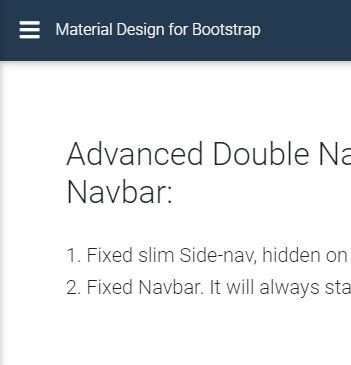
No Scrollbar at bottom of side-nav
Actual behavior
Menu has scrollbar at bottom See images 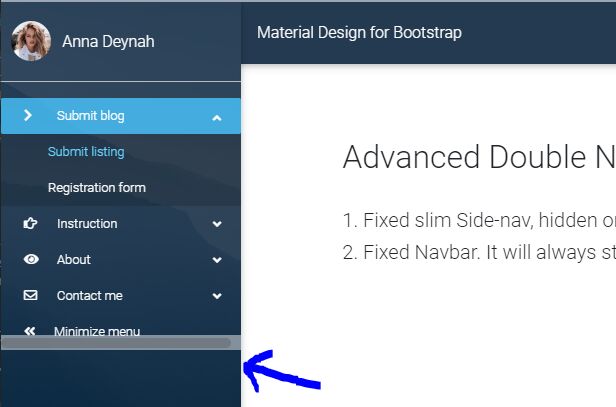
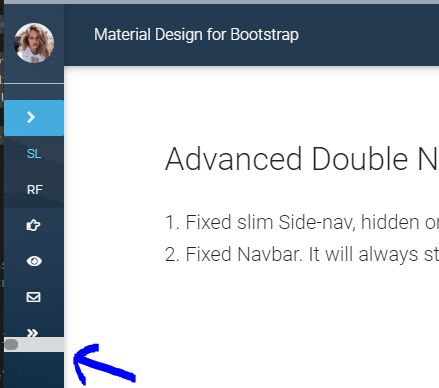
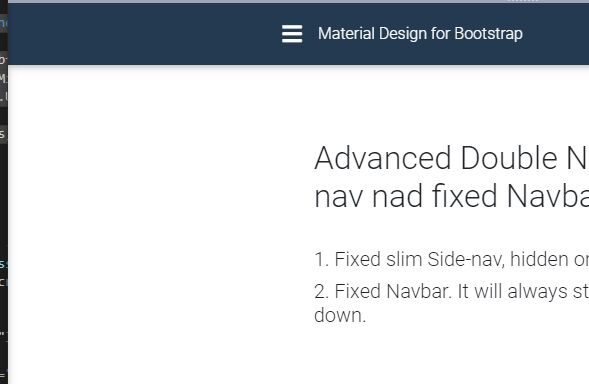
Main and hamburger menu hangs far out to the right when menu has been activate on small screens See images
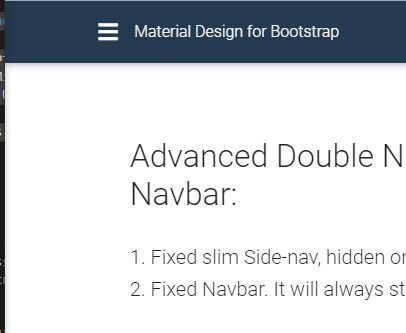
Resources (screenshots, code snippets etc.)
CodeSnip

OK, now I can see the problem. I will create a task with this issue and our team will fix this. Thank you for reporting this.
Best,
Resolved
- User: Pro
- Premium support: Yes
- Technology: jQuery
- MDB Version: 4.14.1
- Device: All
- Browser: Chrome
- OS: Widows
- Provided sample code: No
- Provided link: Yes
Mateusz Łubianka staff commented a year ago
Hi @lassekofoed,
You're right with scrollbar at bottom of sidenav. I'll create a task with this issue and our team will fix this. I can't open your snippet. https://streamable.com/elshz I use sidenav on small screen. Is there any bug?
Best,
lassekofoed pro premium commented a year ago
Hi Mateusz
The problem with the sidenav hamburger position happens when you are on a small screen and activates the "minimize menu"
Can you answer this question also https://mdbootstrap.com/support/jquery/how-to-init-sidenav-as-slim/