Topic: Show part of next slide in Multi-item carousel card decks
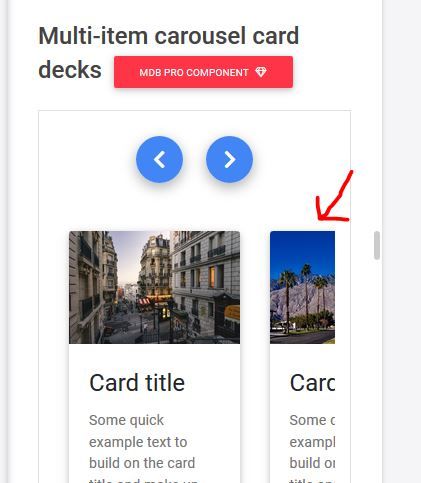
How do I get part of the next slide to be visible in the Multi-item carousel card decks like it does in your demo on https://mdbootstrap.com/docs/angular/advanced/carousel/#docsTabsOverview
Expected behavior Part of the next slide visible in the carousel as in the demo
Actual behavior The slide covers the whole width of the container
Resources (screenshots, code snippets etc.)
Expected:
Actual:
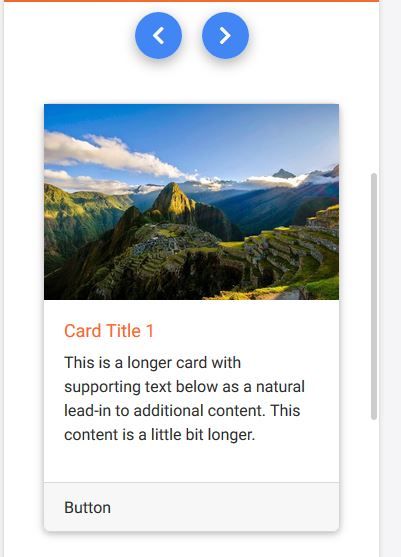

The actual behavior is correct, the problem is in the example from documentation.
As you can see, on smaller resolutions one card overlaps another on slide change. This example should work as normal multiple carousel, but with cards that always have the same height.
We will fix the example in the documentation.
AnnaK pro commented a year ago
Thank you for the answer.
Is there any way to get the next slide visible a bit like in the documentation now? Or do you have another component I could use for that?
Arkadiusz Idzikowski staff commented a year ago
Unfortunately it's not possible because those items are in different slides and we want it to work this way.

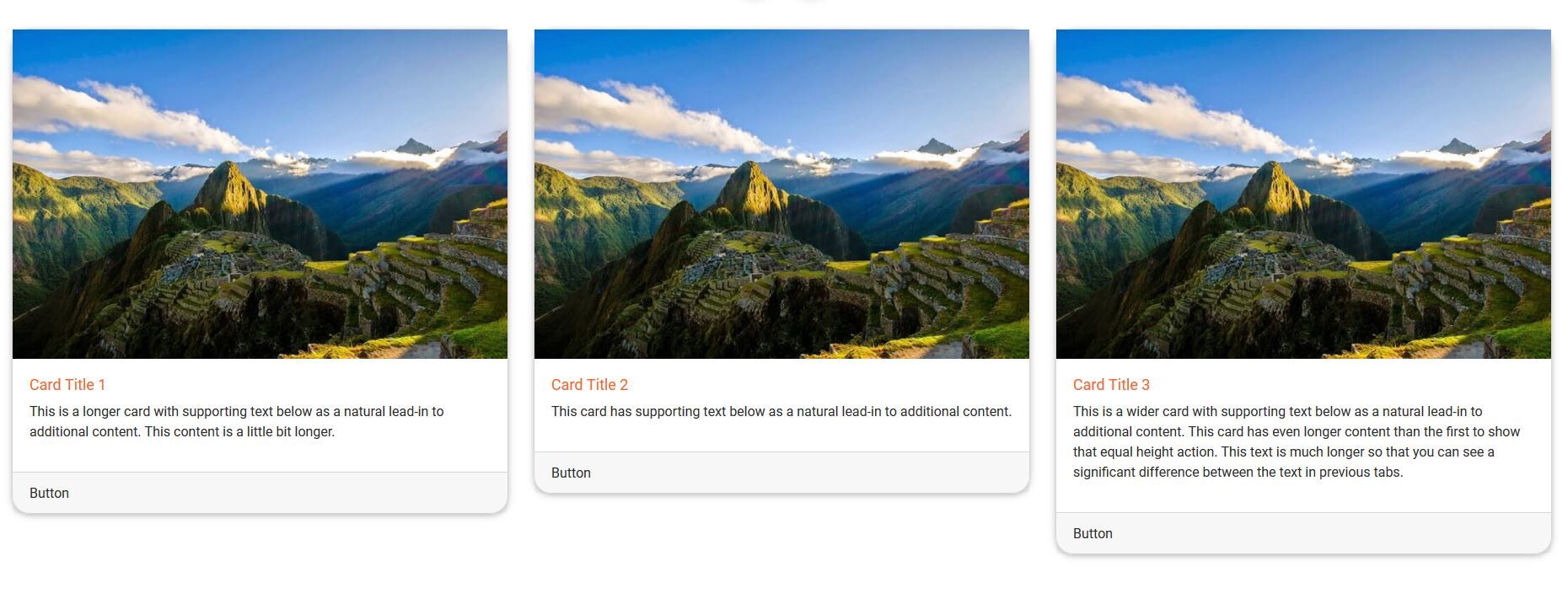
Actually, the cards are not of equal height, something I done wrong?:
Arkadiusz Idzikowski staff commented a year ago
Did you copy the styles from SCSS tab to your global styles.scss file?
AnnaK pro commented 12 months ago
I did, but I had put it in a wrong place, and that is why it didn't work. Now I moved it and it works ;)
Resolved
- User: Pro
- Premium support: No
- Technology: Angular
- MDB Version: 9.0.1
- Device: PC
- Browser: Firefox
- OS: Windows 10
- Provided sample code: No
- Provided link: Yes