Topic: Elements are smaller when I upgrade from ng-uikit-pro-standard@7.5.4 to 10.1.1

*Expected behavior*Elements to remain the same size when upgrading from 7.5.4 to 10.1.1
*Actual behavior*Elements look smaller on my project when I upgraded from ng-uikit-pro-standard@7.5.4 to ng-uikit-pro-standard@10.1.1
Resources (screenshots, code snippets etc.)
(ng-uikit-pro-standard@7.5.4) my older project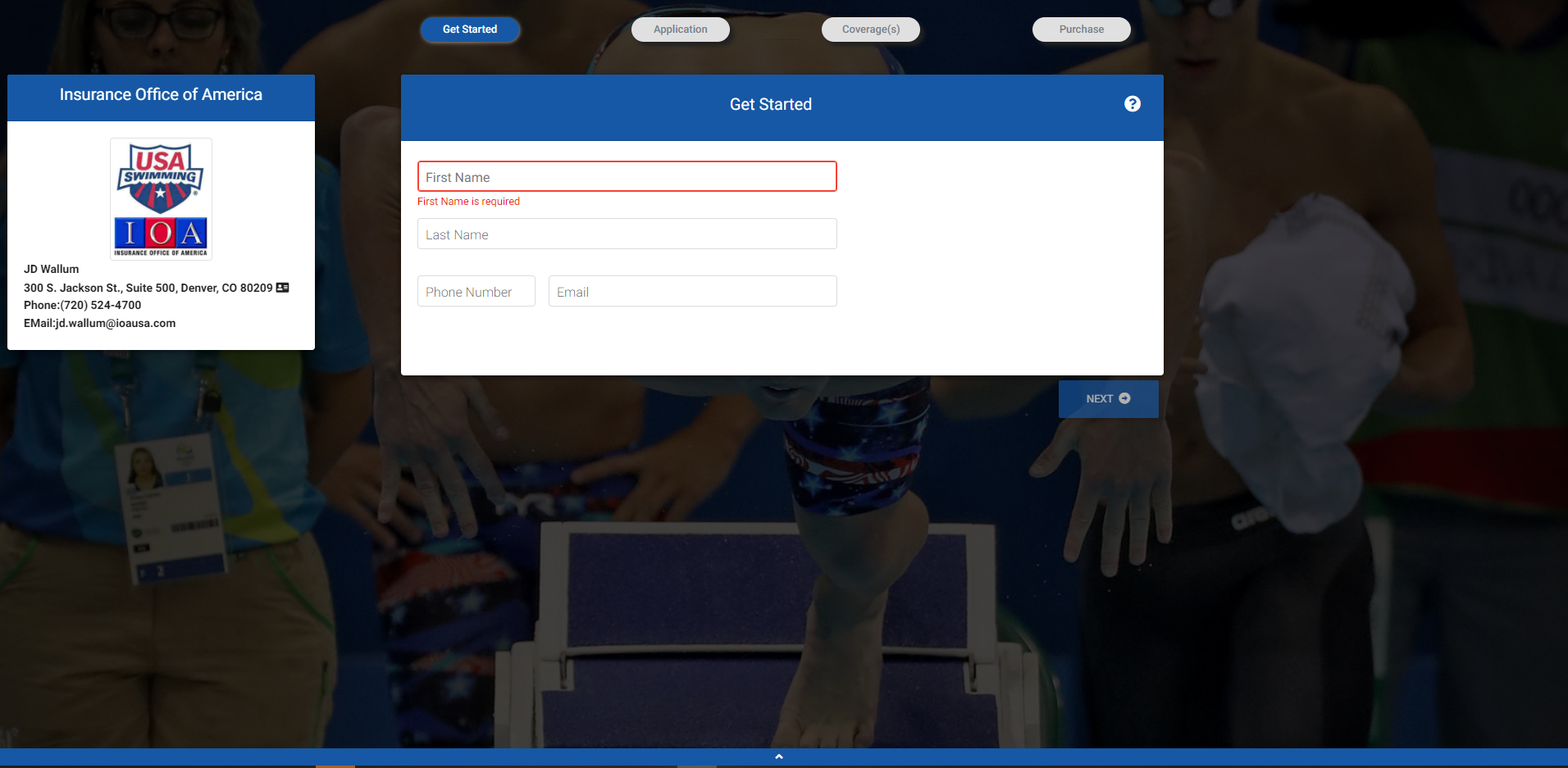
(ng-uikit-pro-standard@10.1.1) my newer project. see how some of the elements have shrunk and are smaller? like the cards, the elements on top and the bottom.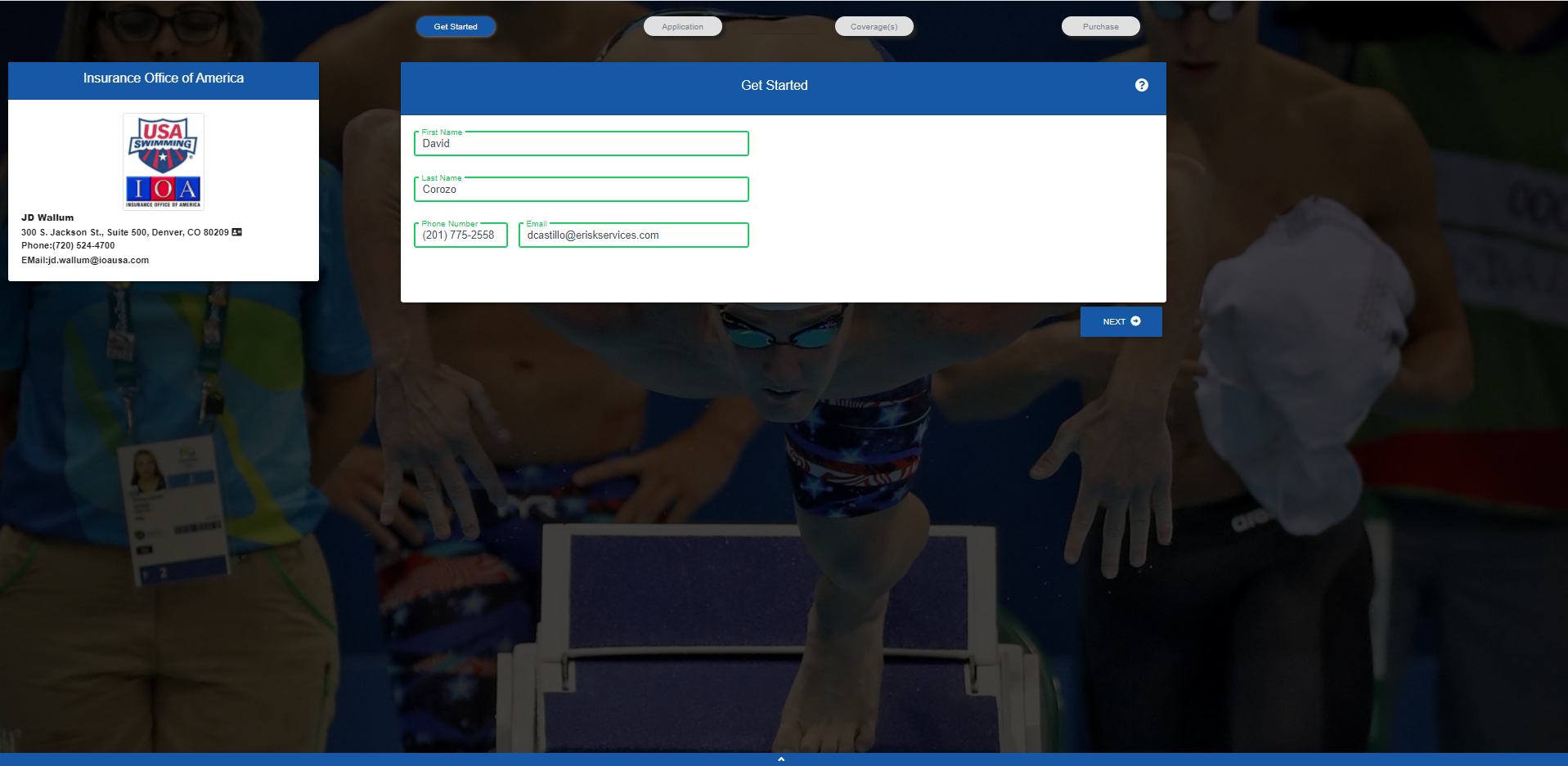
UPDATED WITH CODE: https://gist.github.com/ecuanaso/eafb67df4e3066853198ff861a9113ee
Open
- User: Free
- Premium support: No
- Technology: Angular
- MDB Version: 10.1.1
- Device: laptop
- Browser: chrome
- OS: windows
- Provided sample code: No
- Provided link: Yes
Arkadiusz Idzikowski staff commented 2 months ago
@davidcastillodev can you update your post with the code you used to render those components? There were many changes in styles and component functionality since v7 and it is hard to say whether this is expected behavior or a problem with old syntax in this case.
davidcastillodev commented 2 months ago
I updated with a gist of the code of the card