Topic: Sidebar collapse in Vue Admin Dashboard Pro

Hey guys!
Using your template for "Vue Admin Dashboard Pro" the Sidebar collapses at 1440px width. I'd like to change that so that the sidebar can be always shown and hidden when you click on the hamburger button. One of my approaches was for example just to set $sidenav-breakpoint to a very big number but it didn't work out, yet (cf. screenshot). Can you please tell me what exactly i should do?
Thanks a lot and best regards!
Resources (screenshots, code snippets etc.)![]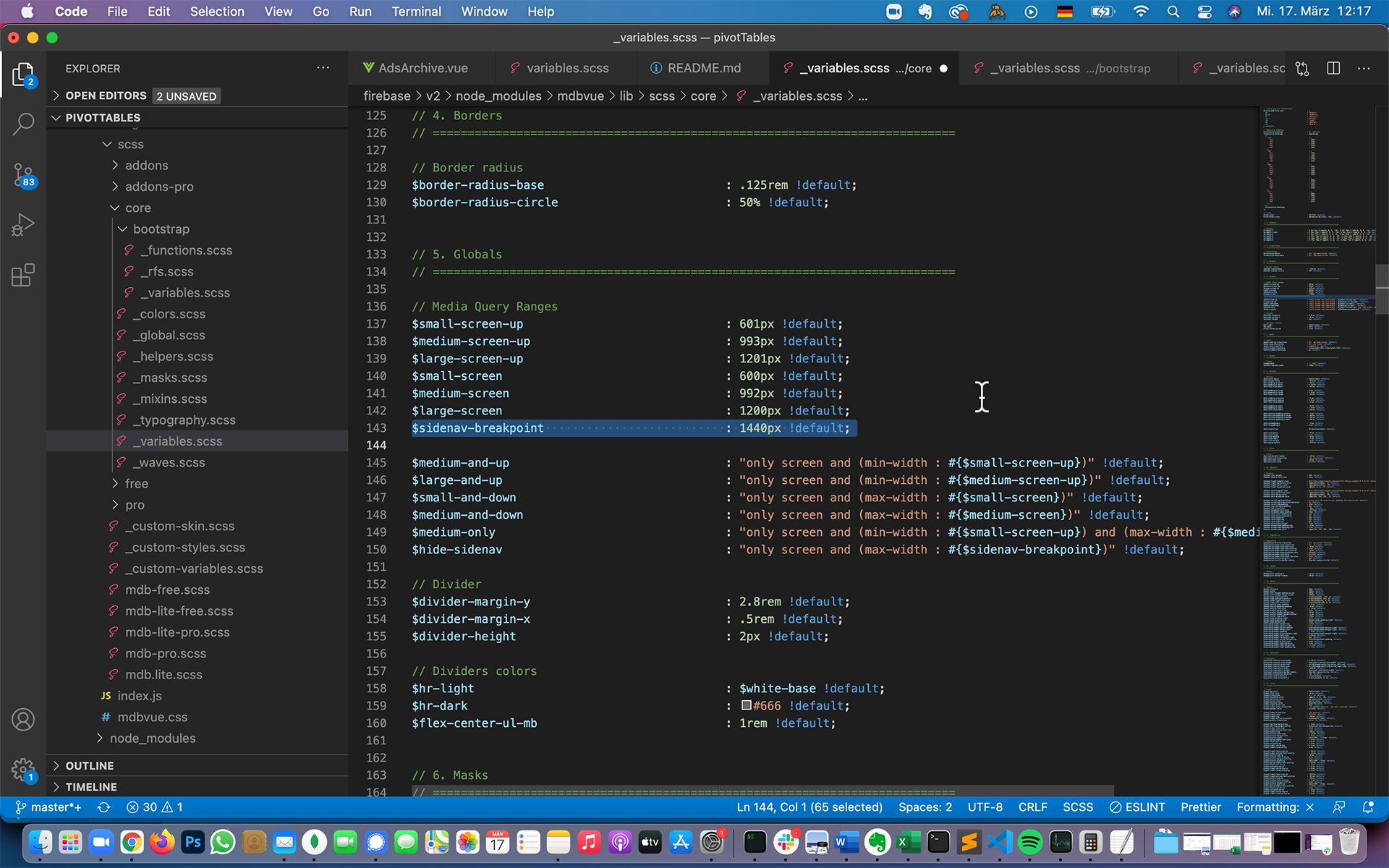
Hi Mikolaj,
thanks a lot!
    <mdb-side-nav
  :breakWidth="..."
    >
worked out!
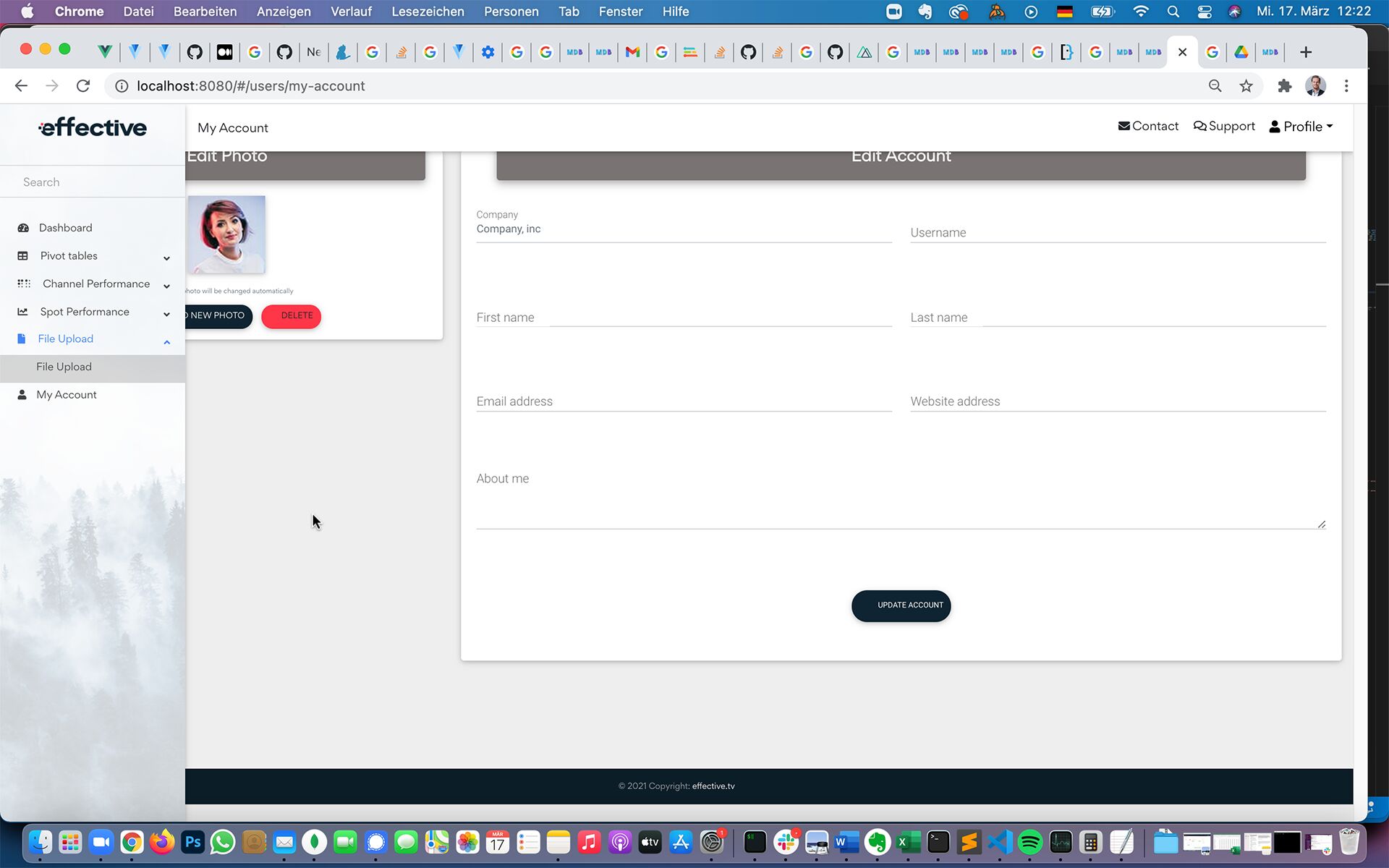
But what about the hamburger toggler button? breakWidth has unfortunately no influence when exactly the hamburger is displayed.

Hi there,
There is a breakWidth property in SideNav component. As default it is set to 1440. Changing that value should update the breakpoint.
Best regards
Seems like this is controlled by the class "button-collapse".
I ve changed it and now it works.
Thank you for your help.
Resolved
- User: Pro
- Premium support: Yes
- Technology: Vue
- MDB Version: 6.7.2
- Device: Macbook
- Browser: Chrome
- OS: macOS Big Sur
- Provided sample code: No
- Provided link: No