Topic: Sticky Item In Tabs Navigation Container

*Expected behavior*When a tabs button is clicked that contains a sticky element, the sticky element should not reposition or move.
*Actual behavior*When a tabs button is clicked that contains a sticky element, the stick element prepositions to 0x0y with the content of the sticky element.
On scroll the sticky element returns to its correct position and will sticky as it should, however switching between tabs that contain a sticky cause this issue.
*Resources (screenshots, code snippets etc.)*Create a tabs example, in the tabs example, in any of the tabs initiate a sticky div with jquery.
https://mdbootstrap.com/snippets/standard/theotherguy/2471844
This is the issue I am referring to. This seems to be an issue when there is content above the tabs.
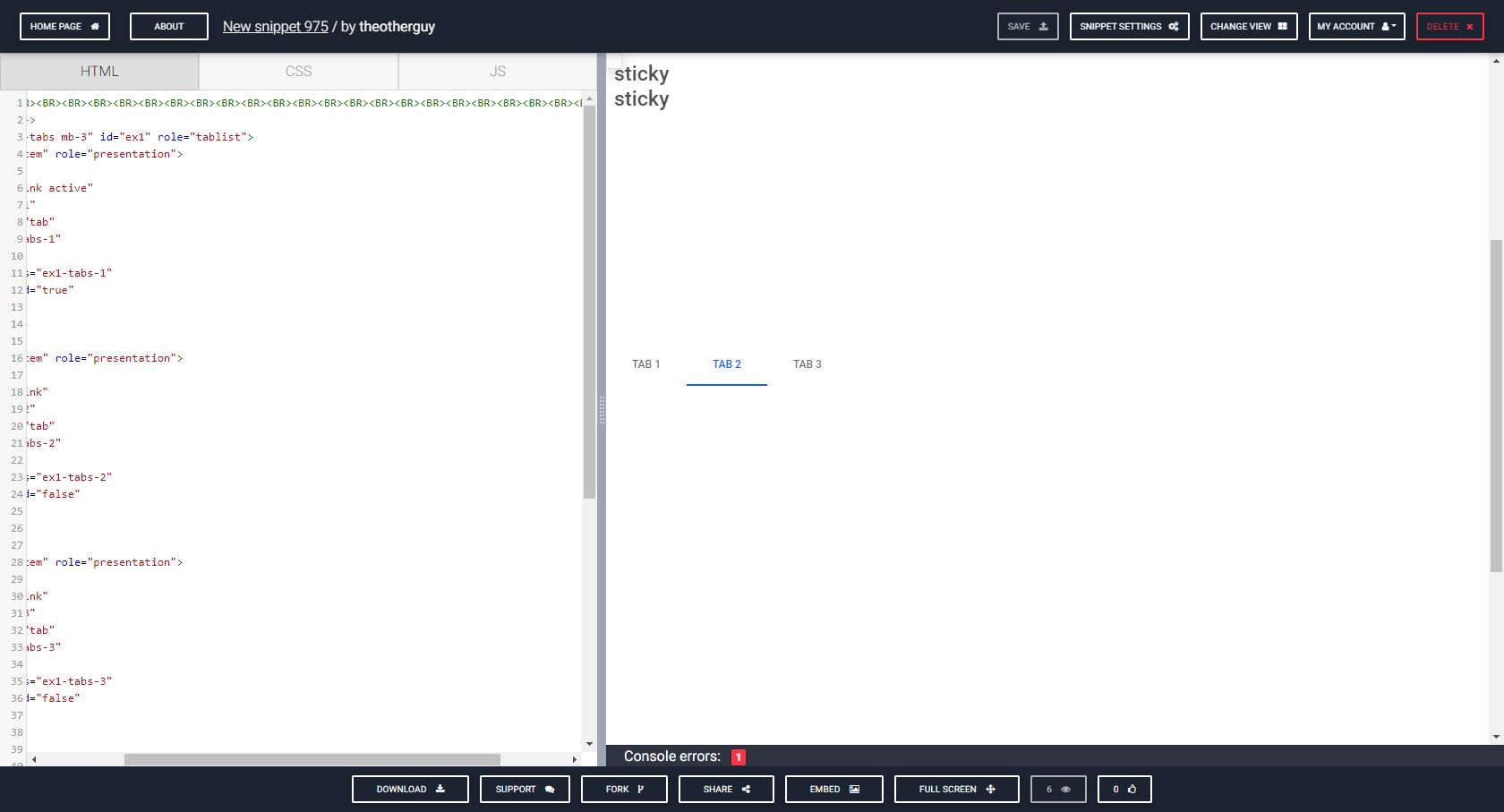
when the sticky is in a tabs navigation and below or near the view, the sticky element prepositions to the top left until scroll event.
Mikołaj Smoleński staff commented 7 months ago
I made some changes in your snippet and I think it works as you expected (I can't see sticky element at the top of document). Could you confirm that it still doesn't work?
theotherguy pro premium commented 7 months ago
I can still recreate the issue with your snippet. It appears as though there is an argument between the two elements sharing the 0x0y position.
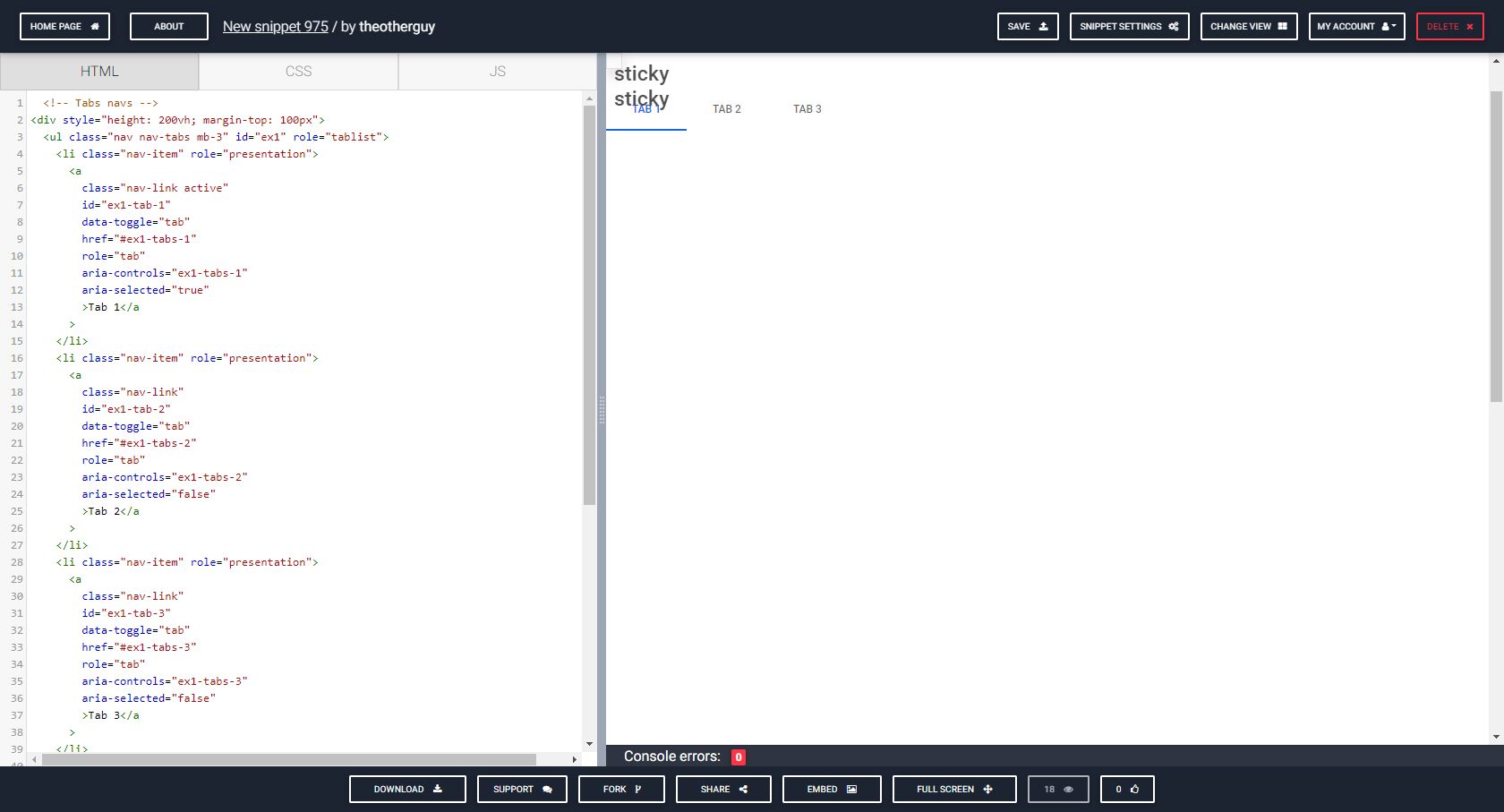
The issue can recreated in chrome, firefox and operah. i know they probably all use nearly the same engine.
If you notice how far i scrolled, and then clicked on the tabs.

I made a solution in your snippet. There is a need to re-activate sticky after tab change. It has to be done in the project/snippet manually like this:
var tabElements = document.querySelectorAll('a[data-toggle="tab"]');
var stickyElements = document.querySelectorAll('.sticky');

tabElements.forEach((tab) => {
  tab.addEventListener('show.bs.tab', () => {
    stickyElements.forEach((sticky) => {
      var stickyInstance = mdb.Sticky.getInstance(sticky);
      stickyInstance.inactive();
      stickyInstance.active();
    })
  });
});
Best regards
theotherguy pro premium commented 7 months ago
Thanks for your time. I dont really a difference in the end result. I still see a erratic div jumping around doing the same positioning as before.
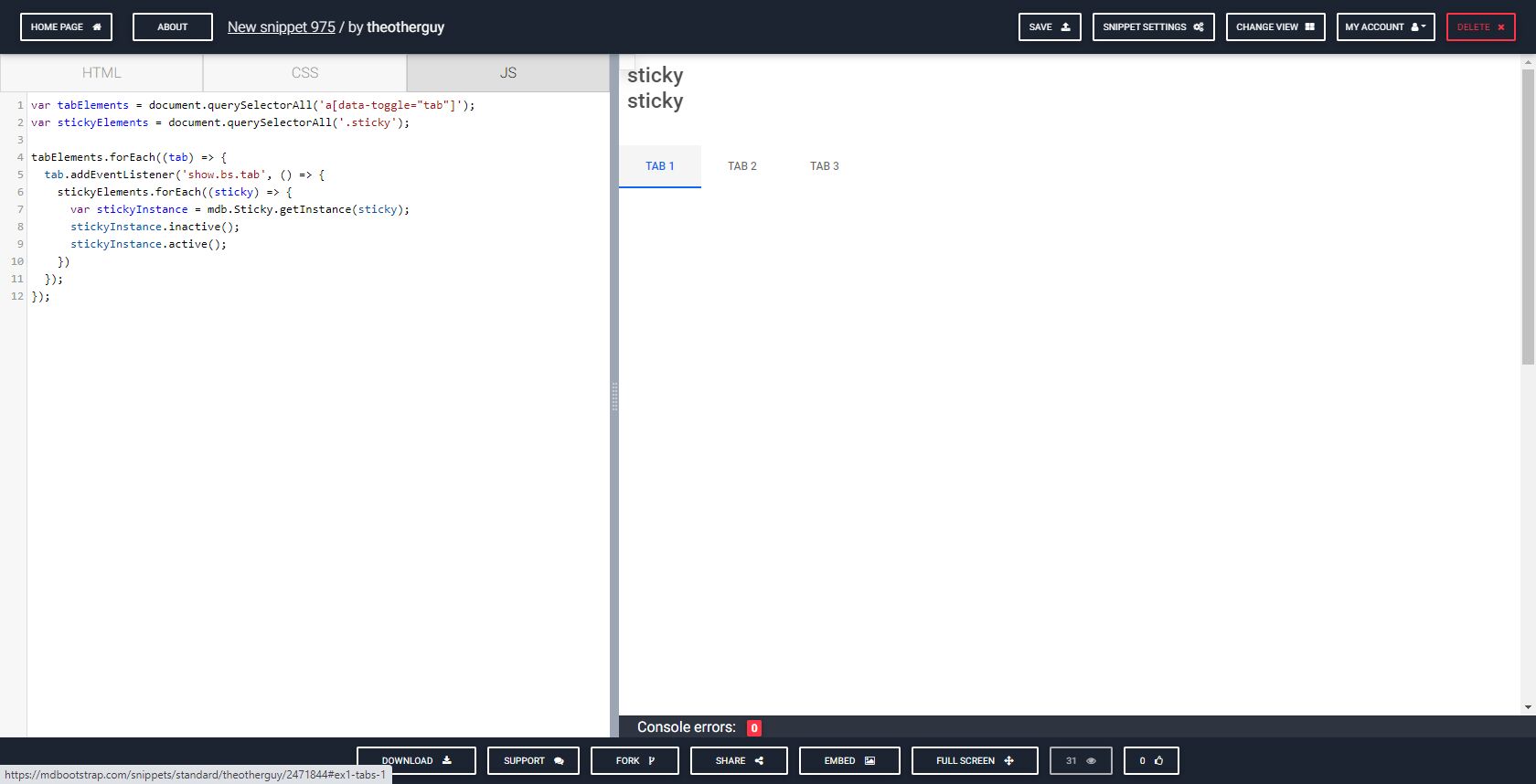
I found a better solution for this case. Please check the snippet again. https://mdbootstrap.com/snippets/standard/theotherguy/2471844#js-tab-view
Best regards
Answered
- User: Pro
- Premium support: Yes
- Technology: MDB 5
- MDB Version: 1.0.0
- Device: any
- Browser: any
- OS: any
- Provided sample code: No
- Provided link: No