Topic: photo gallery top margin

Expected behavior top of pictures lines up with Nav Bar Actual behavior Pictures go "up" under NavBar about 2rem Resources (screenshots, code snippets etc.) Able to correct this by doing css "body" padding-top 2rem but of course this pushes all the other pages out by 2rem I must be missing something as doing single page css does not seem to do anything to move photos down. Any suggestion on what would work here? Thanks Mark
enter image description here
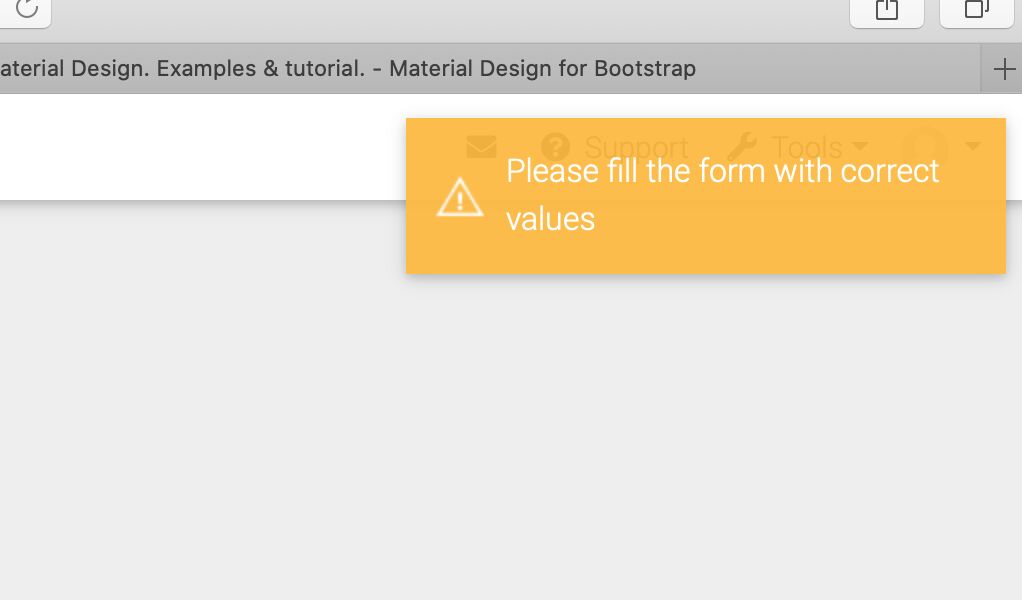 This support page also regularly fails asking for information that is already in the form.
See screen grab
This support page also regularly fails asking for information that is already in the form.
See screen grab
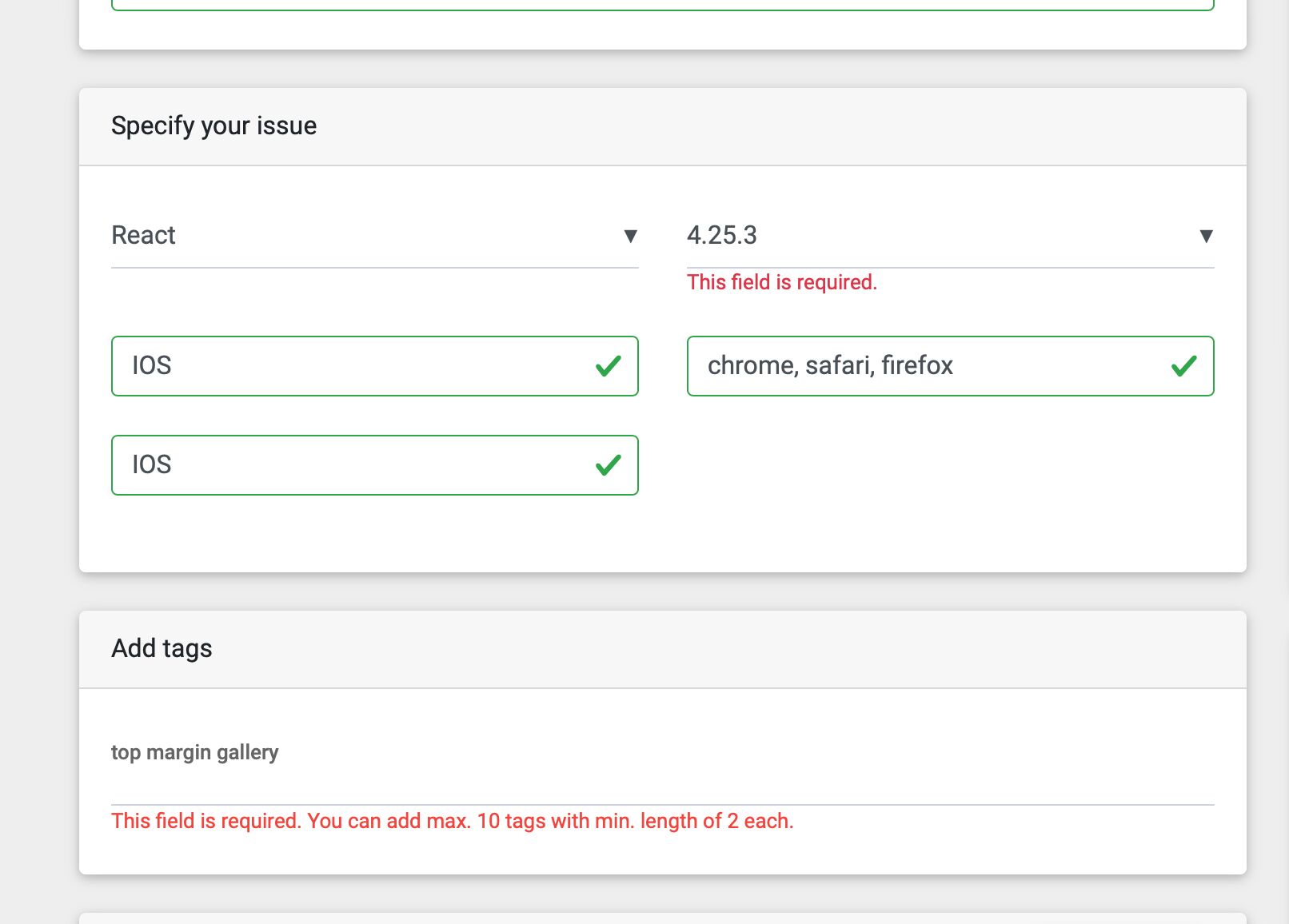 Screen grab shows forms filled in yet it still will not submit. Tried this many times over past few weeks. Usually takes about 10 goes then all of a sudden works.
Thought you should know.
Screen grab shows forms filled in yet it still will not submit. Tried this many times over past few weeks. Usually takes about 10 goes then all of a sudden works.
Thought you should know.
Answered
- User: Pro
- Premium support: Yes
- Technology: React
- MDB Version: 4.25.1
- Device: IOS
- Browser: chrome, safari, firefox
- OS: IOS
- Provided sample code: No
- Provided link: No
mark-steven-au pro premium commented 10 months ago
Have done a work around by embedding the photo gallery into another page that I could then add top margin but there must be a better way on the page to add top margin that I cannot find
Piotr Glejzer staff commented 10 months ago
did you try inline styles to do that?