Topic: NPM install error

Trying to install MDB pro 4.19.2 just downloaded and ran npm install but getting this error of sha512 not matching. Can someone tell me what the issue could be please?
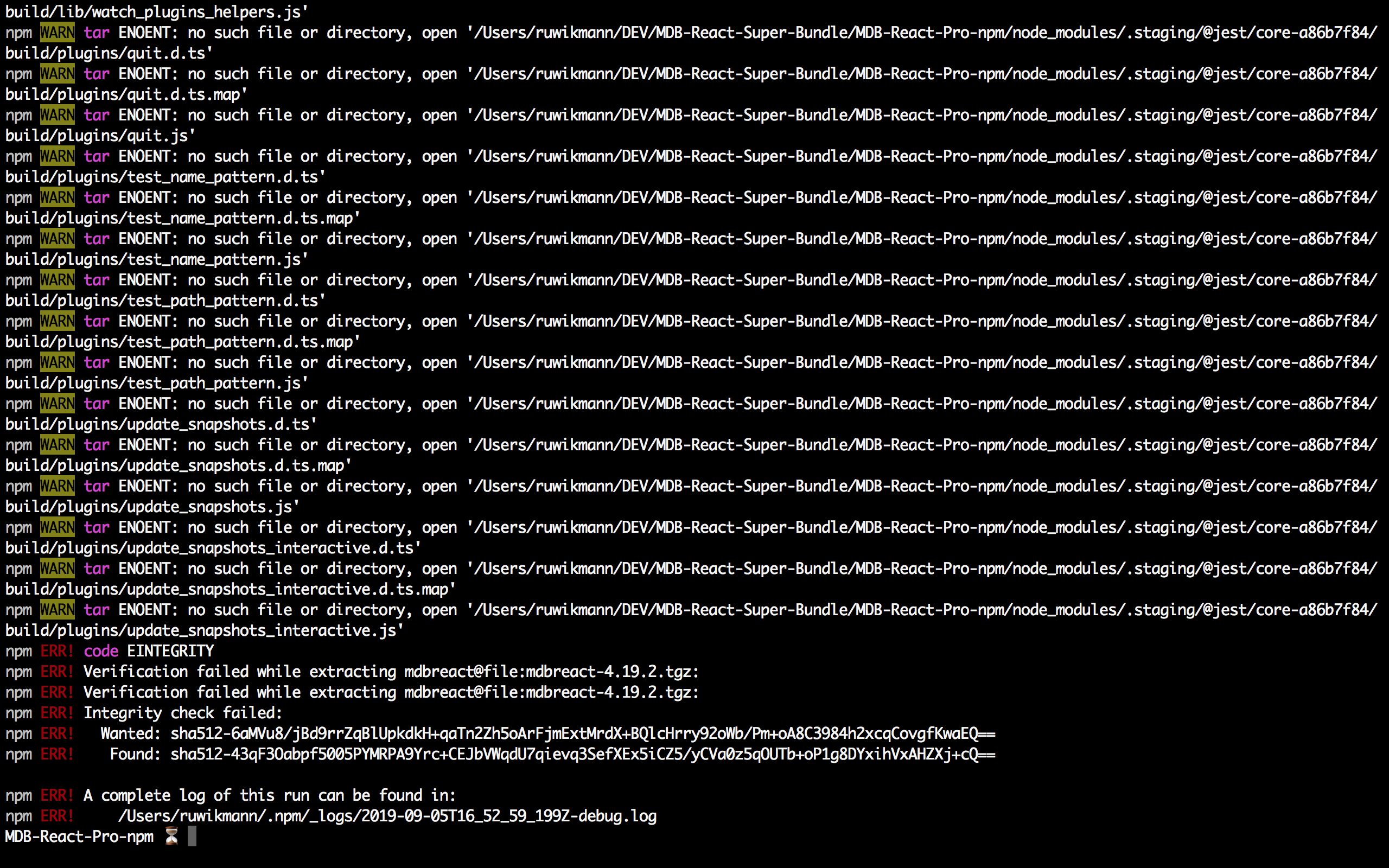

Hi @ruwikmann and @Rotaru,
Did you can try it :
- Delete
node_modulesfolder andpackage-json.lock - Then run
npm i - If problem still exists repeat point 1 and go to 4 point
- Update npm with command
npm i -g npm - Run command
npm cache verifyand then runnpm i
You should fix it on the second point, but if the problem still exists please tell me about it. I will try to fix it.
Best regards, Konrad.

Answered
- User: Pro
- Premium support: Yes
- Technology: React
- MDB Version: 4.19.0
- Device: MacBook Pro
- Browser: Chrome
- OS: MacOS
- Provided sample code: No
- Provided link: No
Rotaru commented 2 years ago
I have the same exact issue