Topic: MDBDatePickerV5

The latest mdbreact update refers to changes for MDBDatePickerV5 When I update via my Github access the latest version is mdbreact@4.26.0, however this does not allow me to use MDBDatePickerV5 that is now listed in the standard documentation.
How to I get the new Date Picker?

I update my Create React App with the latest version from GitLab. Everything is working. What do you mean by Github? We don't use Github to update a pro version, there is only a free version of it.
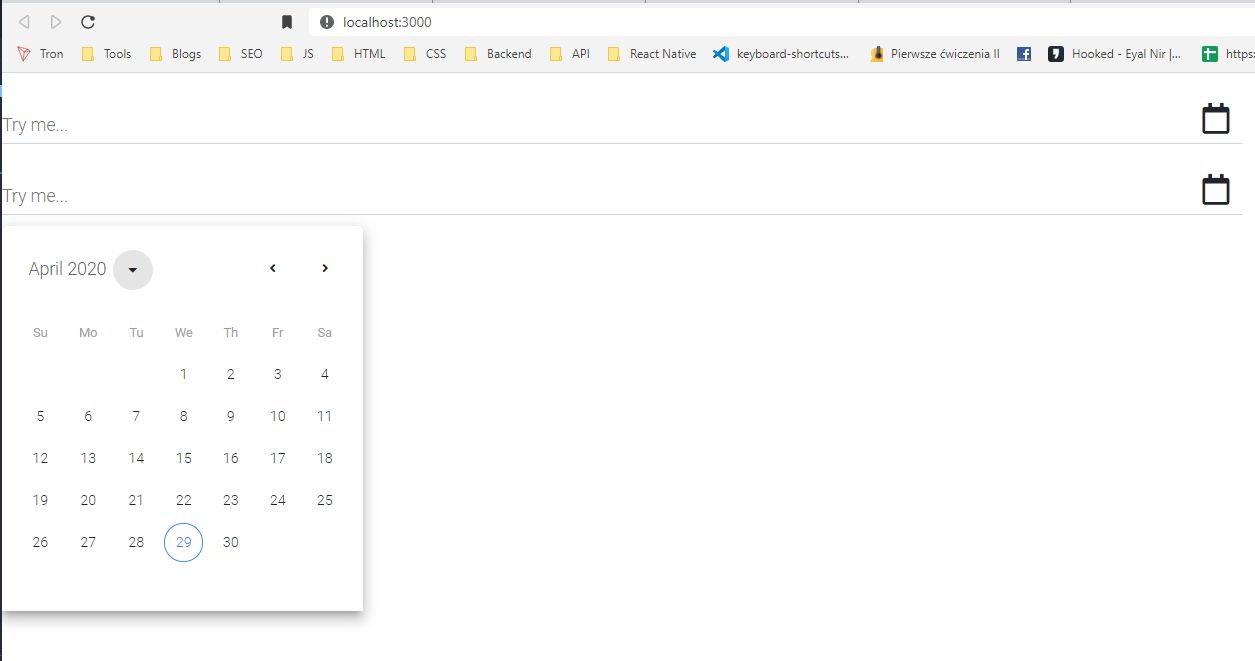
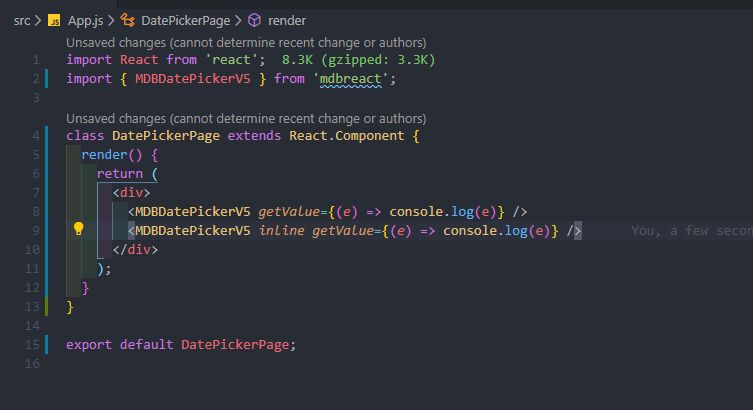
The way I have always upgraded my pro licence is to issue the command
npm install git+https://oauth2:Lhegu..........Xy8@git.mdbootstrap.com/mdb/react/re-pro.git --save
When I do this I receive
+ mdbreact@4.26.0
updated 2 packages and audited 933670 packages in 63.804s
Thereafter if I try and use MDBDatePickerV5, I get an error
./src/components/tenancy/Tenancies.js
Attempted import error: 'MDBDatePickerV5' is not exported from 'mdbreact'.
What am I doing wrong?
Piotr Glejzer staff commented 11 months ago
did you try to clean your cache?
Piotr Glejzer staff commented 11 months ago
can you copy and paste your package.json file? Did you try to put your token to dependencies in the package.json?
Here is my package.json. The error Attempted import error: 'MDBDatePickerV5' is not exported from 'mdbreact' occurs in vscode, not the browser, so not a cache issue.
{
  "name": "trustpoint",
  "version": "0.1.0",
  "private": true,
  "// If You want to install mdbreact from our GitLab repository, please replace '4.23.0' with gitURL provided here ->": "git+https://oauth2:<YOUR-TOKEN-GOES-HERE>@git.mdbootstrap.com/mdb/react/re-pro.git",
  "dependencies": {
    "@react-pdf/renderer": "^1.6.8",
    "axios": "^0.19.2",
    "debug-easy": "^1.0.10",
    "faker": "^4.1.0",
    "html-to-pdfmake": "^1.2.2",
    "lodash": "^4.17.15",
    "mdbreact": "git+https://oauth2:Lhe......yXy8@git.mdbootstrap.com/mdb/react/re-pro.git",
    "namor": "^2.0.2",
    "numeral": "^2.0.6",
    "pdfmake": "^0.1.65",
    "react": "^16.13.1",
    "react-data-table-component": "^6.9.0",
    "react-dom": "^16.13.1",
    "react-router-dom": "^5.1.2",
    "react-scripts": "^3.4.1",
    "styled-components": "^5.1.0",
    "typescript": "^3.8.3",
    "uuid": "^3.4.0"
  },
  "scripts": {
    "start": "react-scripts start",
    "build": "react-scripts build",
    "test": "react-scripts test --env=jsdom",
    "eject": "react-scripts eject",
    "rename": "renamer --find App-clear.js --replace App.js ./src/App-clear.js && renamer --find style.css --replace index.css ./src/style.css ",
    "remove-demo": "rimraf ./src/assets ./src/components ./src/pages ./src/Routes.js ./src/App.js ./src/index.css && npm run rename"
  },
  "devDependencies": {
    "renamer": "^1.1.4",
    "rimraf": "^2.7.1"
  },
  "browserslist": [
    ">0.2%",
    "not dead",
    "not ie <= 11",
    "not op_mini all"
  ]
}
Piotr Glejzer staff commented 11 months ago
Your config is looking good. But I don't have idea why you can't import this date picker. I made a new create-react-app with a token from our GitLab repo and everything is working.
Answered
- User: Free
- Premium support: No
- Technology: React
- MDB Version: 4.26.0
- Device: Windows
- Browser: Chrome
- OS: Windows 10
- Provided sample code: No
- Provided link: No