Topic: MDBDataTable

For MDBDataTable with filter, inside the code contain both row and column . How can I use data.map to loop the information from database into rows not loop on the column.
expected result: More rows base on information on Database but only one column of header
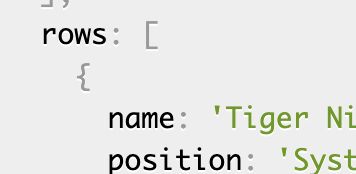 https://mdbootstrap.com/docs/react/tables/sort/

Hey try this,
let rows = [];
data.map(res => { rows.push({ city: item, city: item, city: item, [...ect] }); });
let DataTable = { columns: [ { label: 'Demo', field: 'demo', sort: 'asc', width: 150, }, ], }; DataTable.rows = rows;
Jakub Chmura staff premium commented 12 months ago
Hi @JoseDR120,Thank you for your answer!
@Tanawat limsakul please let me know if this example works in your case.
Best, Kuba
@JoseDR120 Thank you, this is the best solution that I want. This solution works on my projects perfectly :)
Jakub Chmura staff premium commented 12 months ago
I’m happy to hear that this solution works in your case!
Best, Kuba

I'm not sure that I understand you correctly, but if you mean that you want to filter by rows that is not possible.
If you have not understood what you want to achieve, please clarify the question.
Best, Kuba
Closed
This topic is closed.
Closed
- User: Free
- Premium support: No
- Technology: React
- MDB Version: 4.25.5
- Device: Desktop
- Browser: Chrome
- OS: OSX
- Provided sample code: No
- Provided link: Yes