Topic: Sidenav Not Working in Chrome

Trying to follow the example here: https://mdbootstrap.com/snippets/jquery/mdbootstrap/102686
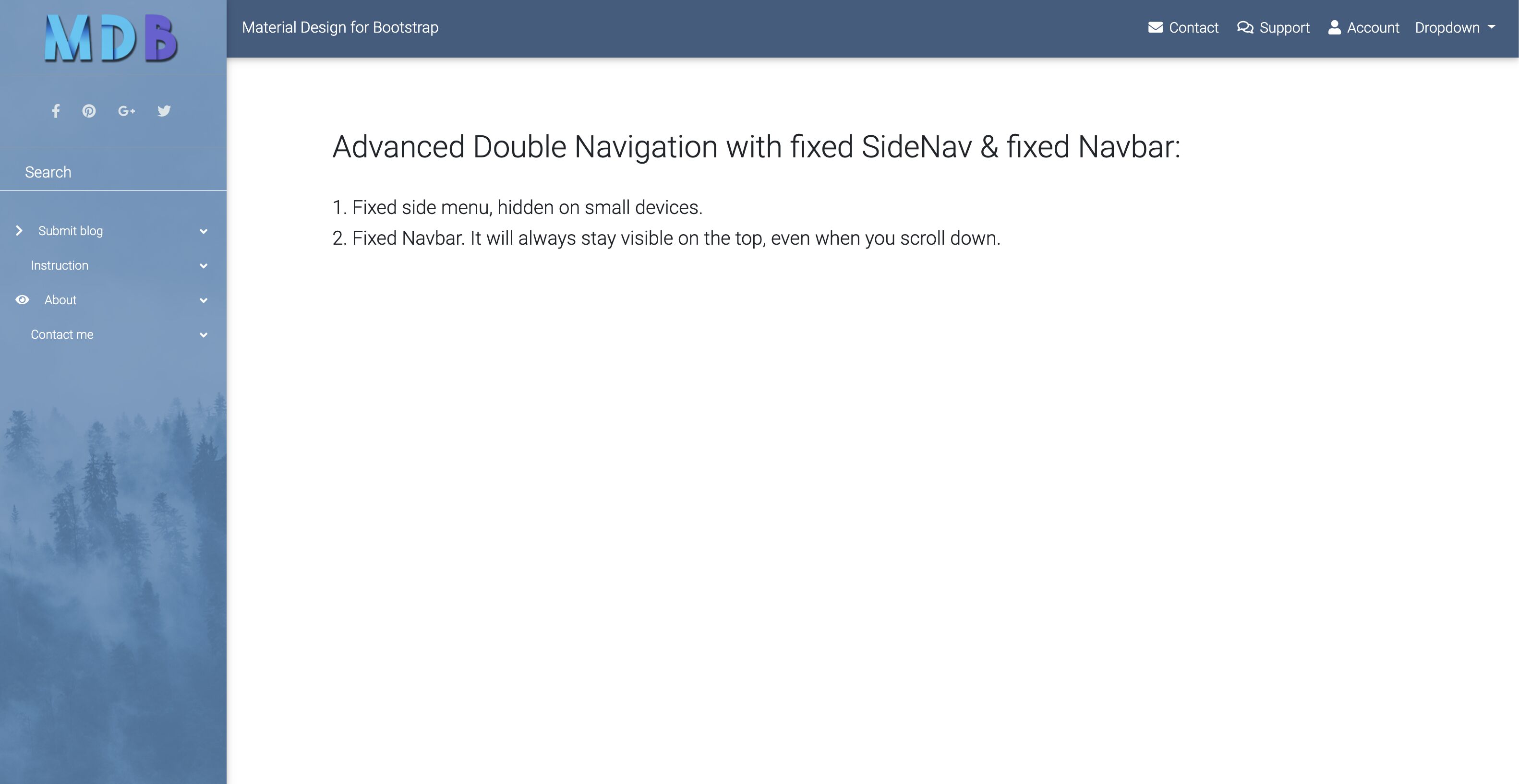
Which works as expected in Safari but not in Chrome. In Chrome the side menu is open on page load and won't close.

Hi,
when I reduce size of the snippet window, I see the bar icon which appears on smaller devices which I can click on and close and open side-nav. Please, try to resize the snippet window and see if you see the three bars icon and click on it.
Best, Marta
haye321 commented a year ago
Thank you! Is there a way to adjust that break point or turn if off entirely?
Marta Szymanska staff pro premium commented a year ago
Hi,
yes, there is. Please, use our breakpoint option for Side-Nav. You can find the description of this option in our Side-Nav documentation here: https://mdbootstrap.com/docs/jquery/navigation/sidenav/#options.
Best, Marta
Answered
- User: Free
- Premium support: No
- Technology: jQuery
- MDB Version: 4.8.11
- Device: Desktop
- Browser: Chrome 78.0.3904.70
- OS: macOS 10.14.6
- Provided sample code: No
- Provided link: Yes