Topic: Area not clickable because of the top button

Expected behavior
The whole area should be pressable/clickable, even if the top button is set.
Actual behavior
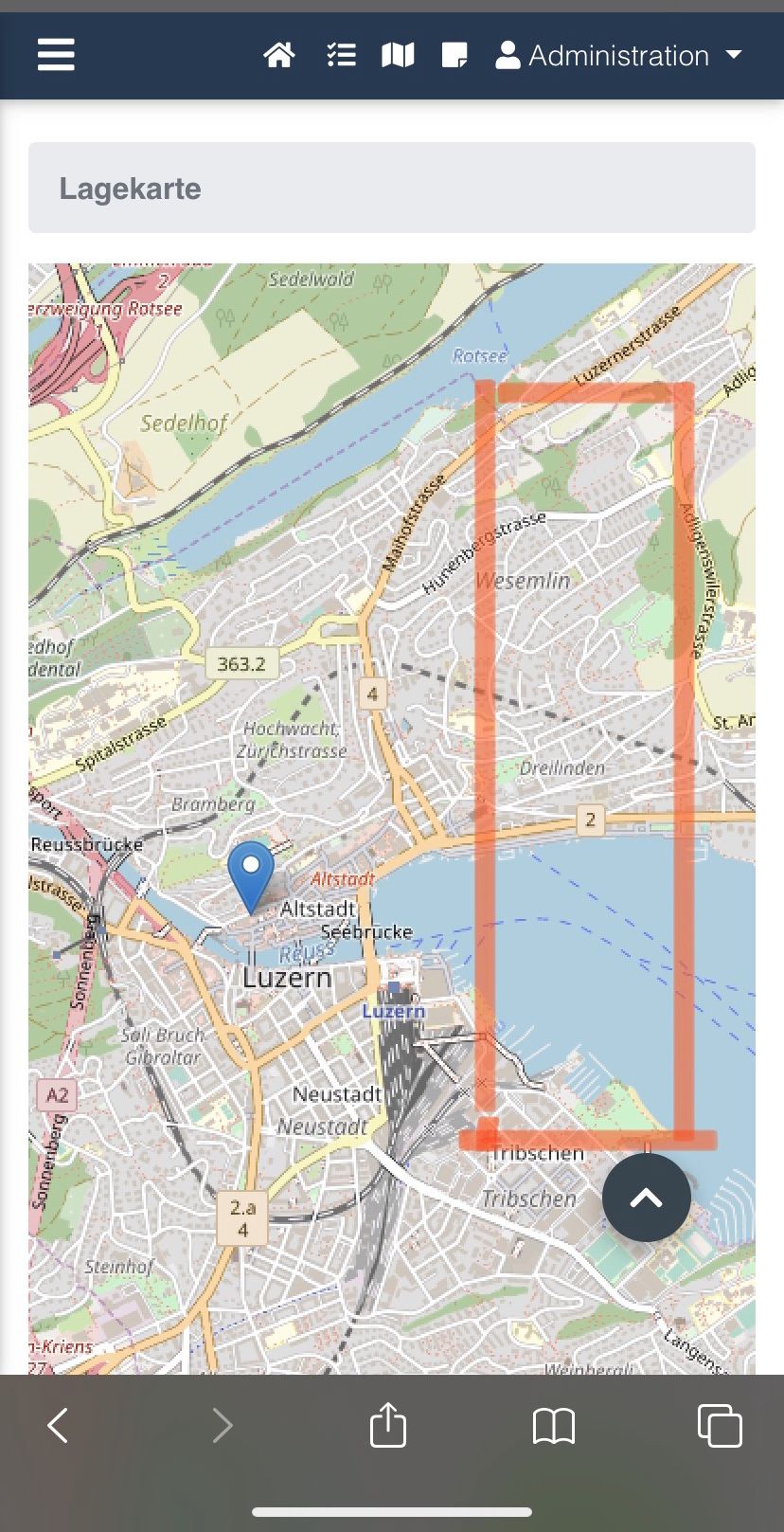
A part of the website is not pressable/clickable, especially on small screens (smartphone), when the top button is set. It seems like the top button would cover something.
The marked part (picture) is not pressable/clickable. If I remove the top button, it works. This problem I have since two or three updates ago.
How can I solve this?
This is my code:
 <div class="fixed-action-btn smooth-scroll" style="bottom: 45px; right: 24px;">
      <a href="#top-section" class="btn-floating btn-large special-color">
        <i class="fas fa-chevron-up"></i>
      </a>
</div>
Resources (screenshots, code snippets etc.)
Closed
This topic is closed.
Status
Closed
Specification of the issue
- User: Pro
- Premium support: Yes
- Technology: jQuery
- MDB Version: 4.14.1
- Device: Smartphone
- Browser: Safari
- OS: iOs 13.3.1
- Provided sample code: No
- Provided link: No
Tags
Related topics
Mateusz Łubianka staff commented a year ago
Hi @Custer,
You're right, this is a bug so I will create a task with this issue and our team will fix this as soon as possible. Thank you ver much for reporting this.
Best,
Custer pro premium commented a year ago
Perfect, thank you :)
daunus pro commented 11 months ago
I have the same issue - when it will be fixed ???
(jquery MDB PRO 4.16.0)
Grzegorz Bujański staff commented 11 months ago
Hi. Hard to say. We have planned refactor for others components. We will refactor this one as soon as possible