Topic: Angular pro install doesn't work

I installed the angular pro version from this url: https://mdbootstrap.com/docs/angular/getting-started/quick-start/ Including the token generation as well.
Expected behavior
I should see this screen:

Actual behavior
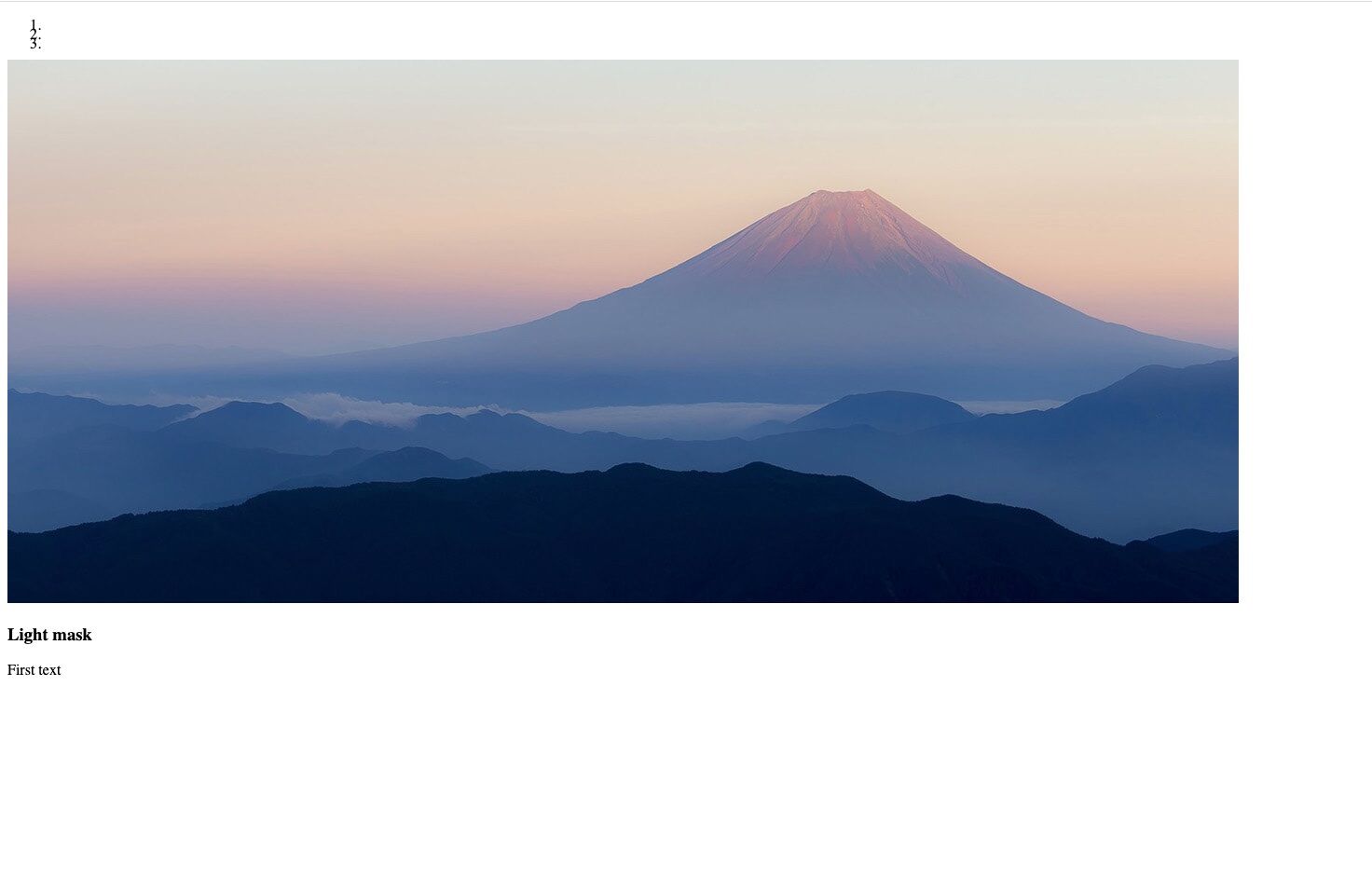
It seems that the tags doesn't work. Not only for this one but none of the example works:
Resources (screenshots, code snippets etc.) I added my code to a github repo: https://github.com/hronnie/mdbangularinstproblem

We found the cause of the problem. In angular.json file you updated styles in the 'test' object parameter, you should update the array in 'build' object:
    "build": {
      "builder": "@angular-devkit/build-angular:browser",
      "options": {
        "outputPath": "dist/easypeasy",
        "index": "src/index.html",
        "main": "src/main.ts",
        "polyfills": "src/polyfills.ts",
        "tsConfig": "tsconfig.app.json",
        "aot": true,
        "assets": ["src/favicon.ico", "src/assets"],
        "styles": [
          "node_modules/@fortawesome/fontawesome-free/scss/fontawesome.scss",
          "node_modules/@fortawesome/fontawesome-free/scss/solid.scss",
          "node_modules/@fortawesome/fontawesome-free/scss/regular.scss",
          "node_modules/@fortawesome/fontawesome-free/scss/brands.scss",
          "node_modules/ng-uikit-pro-standard/assets/scss/bootstrap/bootstrap.scss",
          "node_modules/ng-uikit-pro-standard/assets/scss/mdb.scss",
          "node_modules/animate.css/animate.css",
          "src/styles.scss"
        ],
Roni h pro premium commented 7 months ago
Many thanks for the quick investigation. My bad, that was the only thing why it didn't work and now it works as it should.
Resolved
- User: Pro
- Premium support: Yes
- Technology: Angular
- MDB Version: 9.3.1
- Device: MacBook Pro
- Browser: Chrome
- OS: Mac Os X Catalina
- Provided sample code: No
- Provided link: Yes
Arkadiusz Idzikowski staff commented 7 months ago
Are there any errors in the console when you try to render the mdb components? I see that you have Angular 10 installed in your project, MDB Angular v9.3.1 is not compatible with Angular 10, you should you use Angular v9 in this case.
Roni h pro premium commented 7 months ago
OK I tried with Angular V9.0.0 and some other V9.X versions but I had the same results as before(I always removed node_modul and package-lock.json). I updated the git as well
Roni h pro premium commented 7 months ago
Just another note: I tried it with the free version before I bought the pro version and it worked there even with angular V10
Roni h pro premium commented 7 months ago
I forgot to answer: there are no errors in neither browser console nor node console.