
Author: Dawid Adach
- In your web browser open the following link:
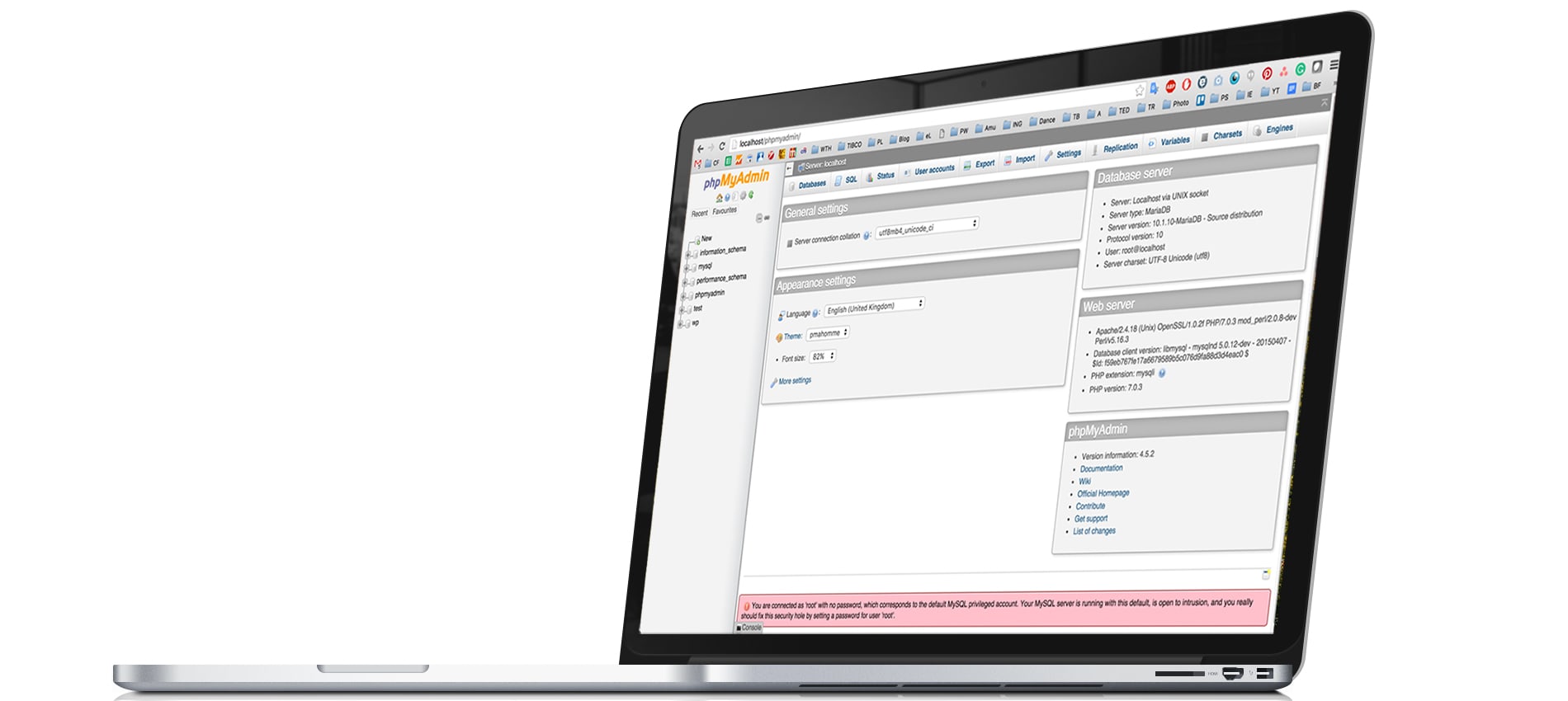
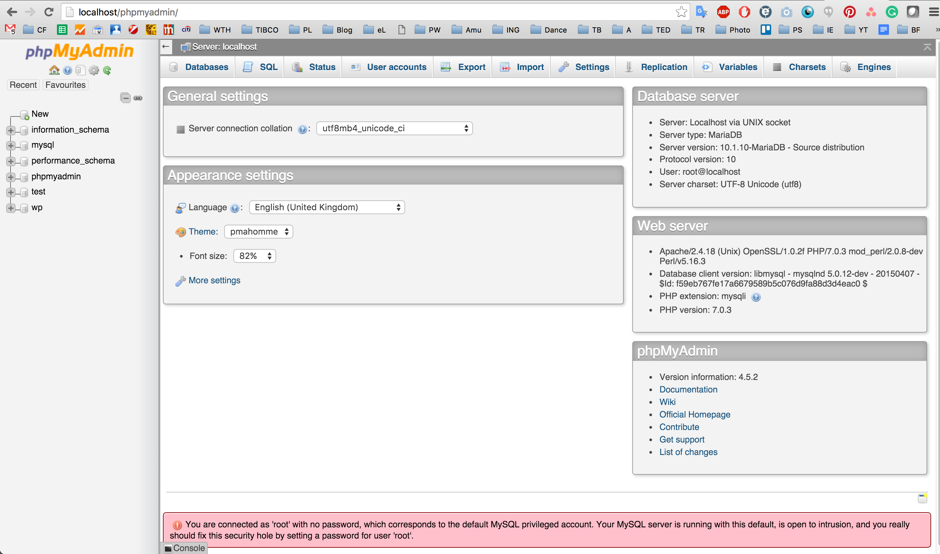
you should then see the screen below:http://localhost/phpmyadmin - Go to the “User Accounts” tab, and click on “Add user account”.
Fill the form as below:
User name: wp
Hostname: localhost
Password: mdbtutorial
Re-type mdbtutorial - Check the checkbox next to the:
Option, and also check theCreate database with the same name and grant all privileges.Check allbox in the Global privileges section. - Now click the
Gobutton at the bottom of the site.


Our database is ready to go! Let's install WordPress now.
Previous lesson Next lesson
Spread the word:
