
Author: Dawid Adach
Your first app
During installation, I showed you how to create an empty application using the Angular CLI and ng new command. Within this tutorial we will use MDB Framework which will allow us to use Bootstrap for responsiveness as well as Material Design for an effortlessly great design.
1. Download a starter package
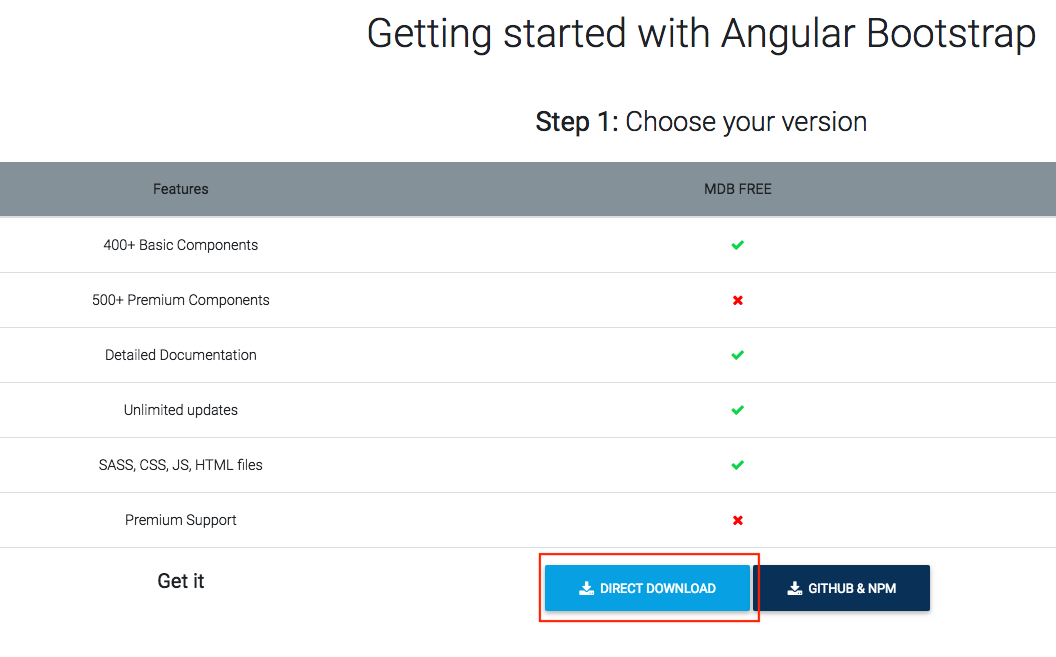
- Navigate to the download page
- Download the package by clicking on the button:
- Unzip the package
- Rename folder to
my-app - Optionally you can move to a location where you will be able to easily navigate (tip: avoid spaces in your path)
I will be using/Users/Dawid/aworkspace/my-app
2. Install dependencies and run the application
- Open the terminal and navigate to your project directory:
- Install npm dependencies using the following command:
- Compile our application and run it:
cd Users/Dawid/aworkspace/my-appnpm installNote: you can use shorter form: npm i
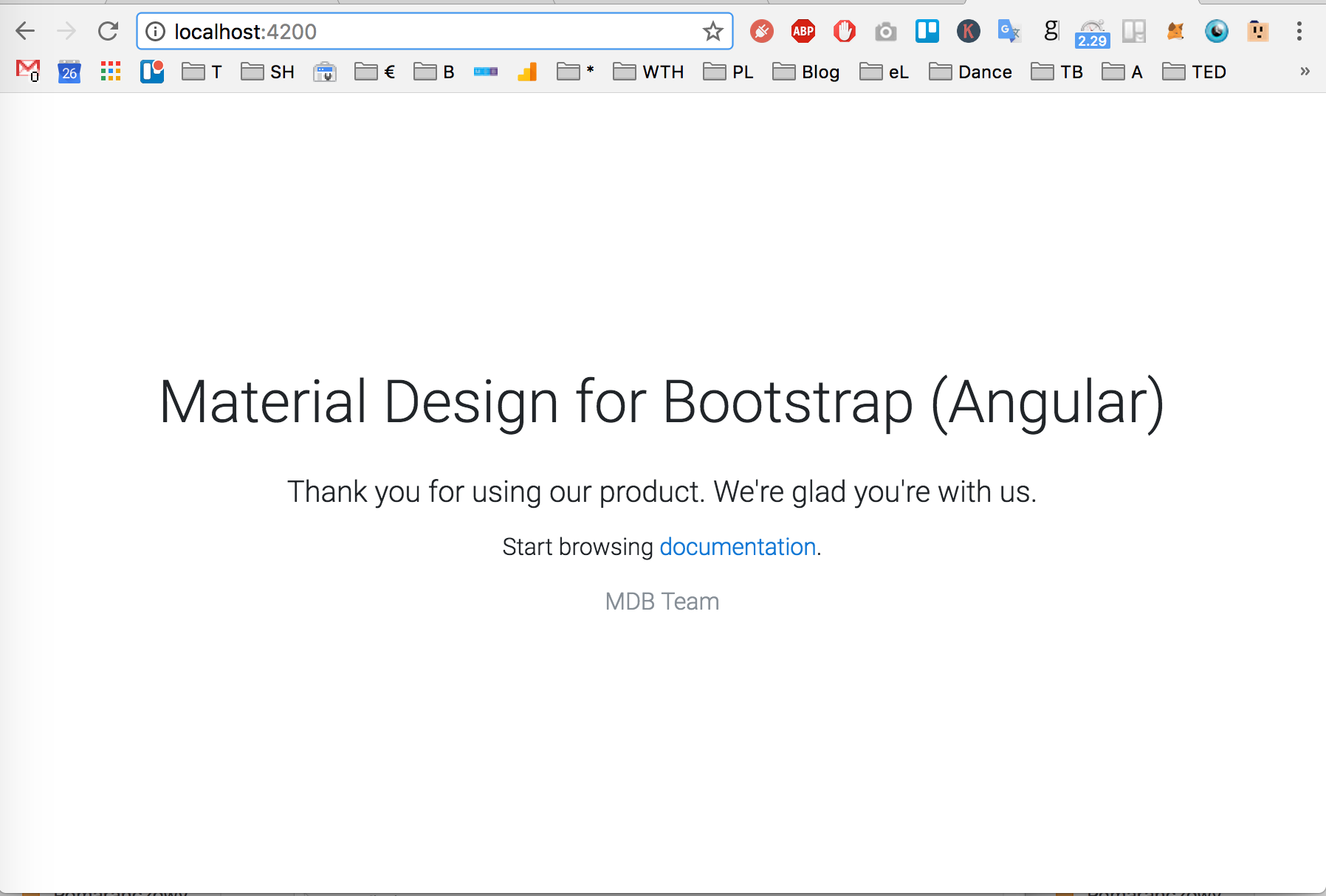
ng serve -oYour browser should open website localhost:4200 and display MDB Welcome screen:
3. Hello World
- Open a code editor — I strongly suggest Visual Studio Code
- Click
File->Openand choose our project - Open file:
and replace the entire code inside the file with following:src/app/app.component.html - Save the file
<h1>Hello World from my first angular application.</h1>If you didn't stop the previous command (ng serve -o), you should notice in the terminal, that the CLI has automatically detected that file had changed, recompiled the code again, and refreshed a tab in a web browser. Now it should look like below:

Good job. Your app is ready, let's have a closer look at the structure of our new application.
Previous lesson Next lesson
Spread the word:
